
SPIKY FOR IPHONE AND ANDROID
Record any meeting. Get it back as notes.
Spiky Scribe covers your online calls. Your phone covers everything else.
THE GAP
Half the meeting never happens on a screen.
Spiky Scribe joins Zoom, Meet and Teams and brings those calls back as summaries, action items and transcript. Everything outside that window used to end as a memory and a few lines in a notebook.
The app closes the window. Same recording, same analysis, no laptop.
ON A SCREEN
Spiky Scribe joins the call
Zoom, Meet, Teams. Nothing to start, it follows the calendar.
IN THE ROOM
Your phone records it
One tap before the handshake. It keeps running while the phone is in your pocket.
HOW IT WORKS
Three steps, and you are back in the conversation.
- 01
Record
Tap the mic. Recording continues while the app is in the background and while the screen is locked. Pause and resume as the meeting moves.
- 02
Upload
Name it and send. Uploads are multipart with retry, so a lost signal in a car park resumes instead of starting over. Already have a file? Send it from Photos or Files.
- 03
Analysis ready
The same engine that handles your online calls takes over. Summary, action items and a searchable transcript come back, on the phone and in Pulse.
 GreenTech site visitYesterday · 11:00 AM
 Skyline weekly syncMay 17 · 9:30 AM
 MarketSphere introMay 12 · 1:00 PM
Spiky Mobile app features
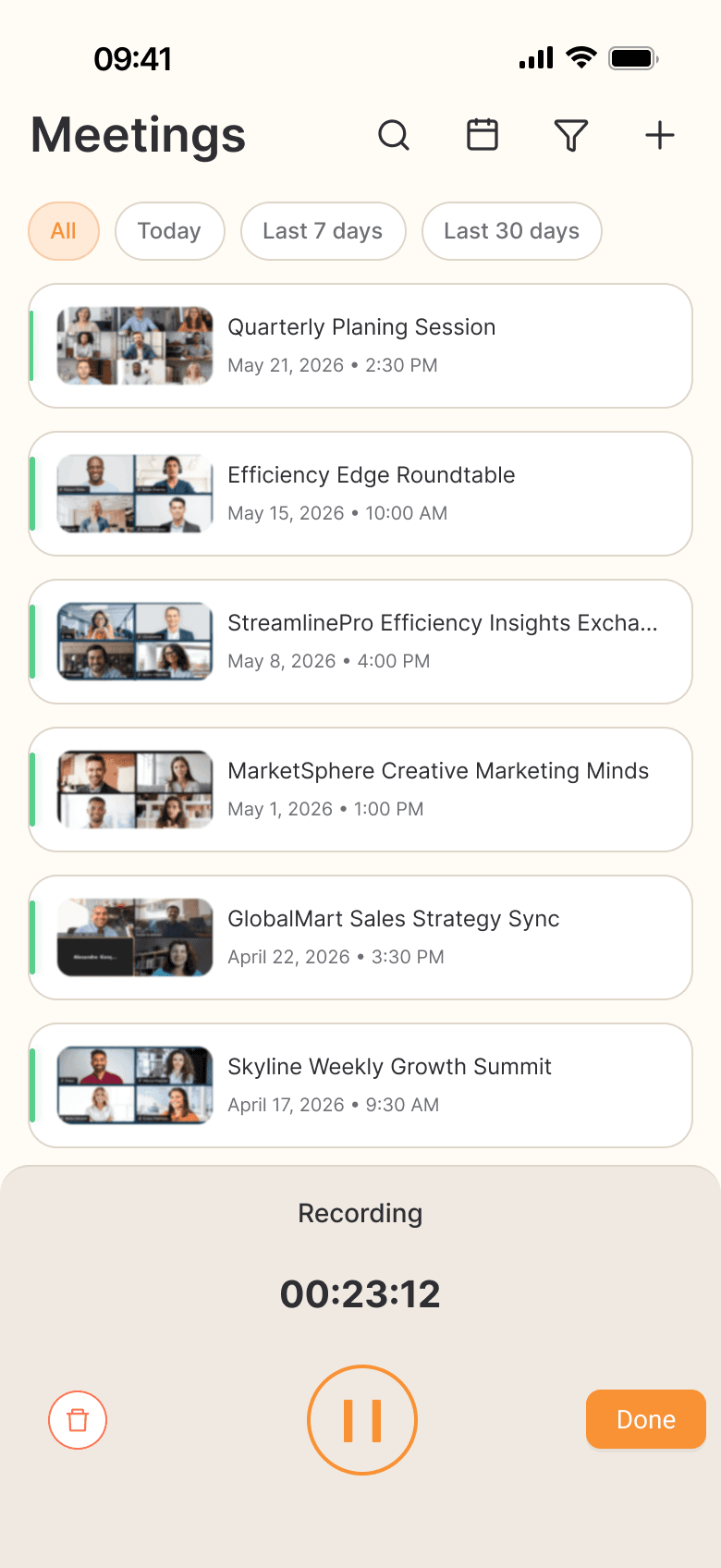
RECORDING
It keeps recording after you put the phone down.
The recorder runs in the background with a lock-screen control, and the timer stays visible above your meetings. If another app is already holding the microphone, it tells you before you lose the meeting, not after.
- Background and lock-screen recording
- Pause, resume, discard
- Microphone conflict warning
WHAT COMES BACK
A recording is not notes. This is.
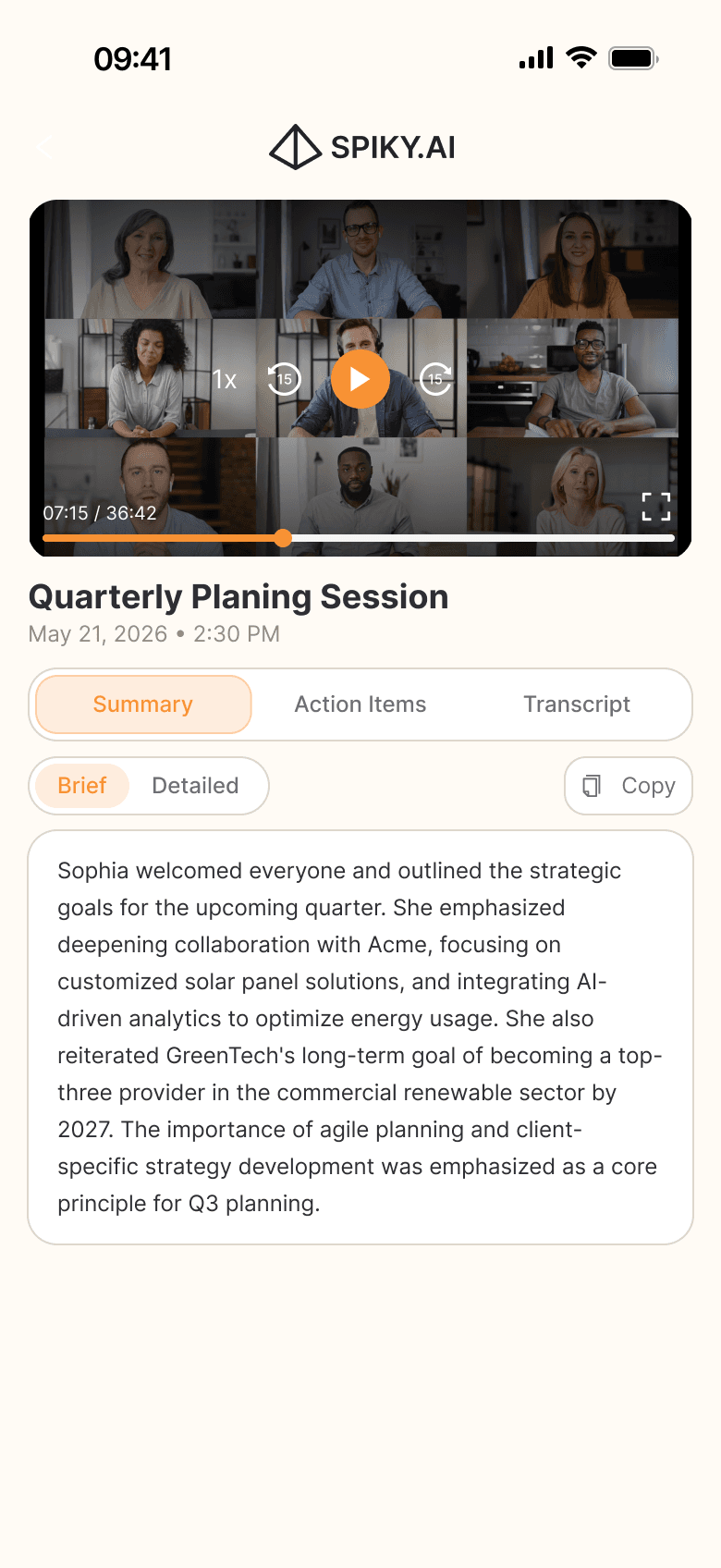
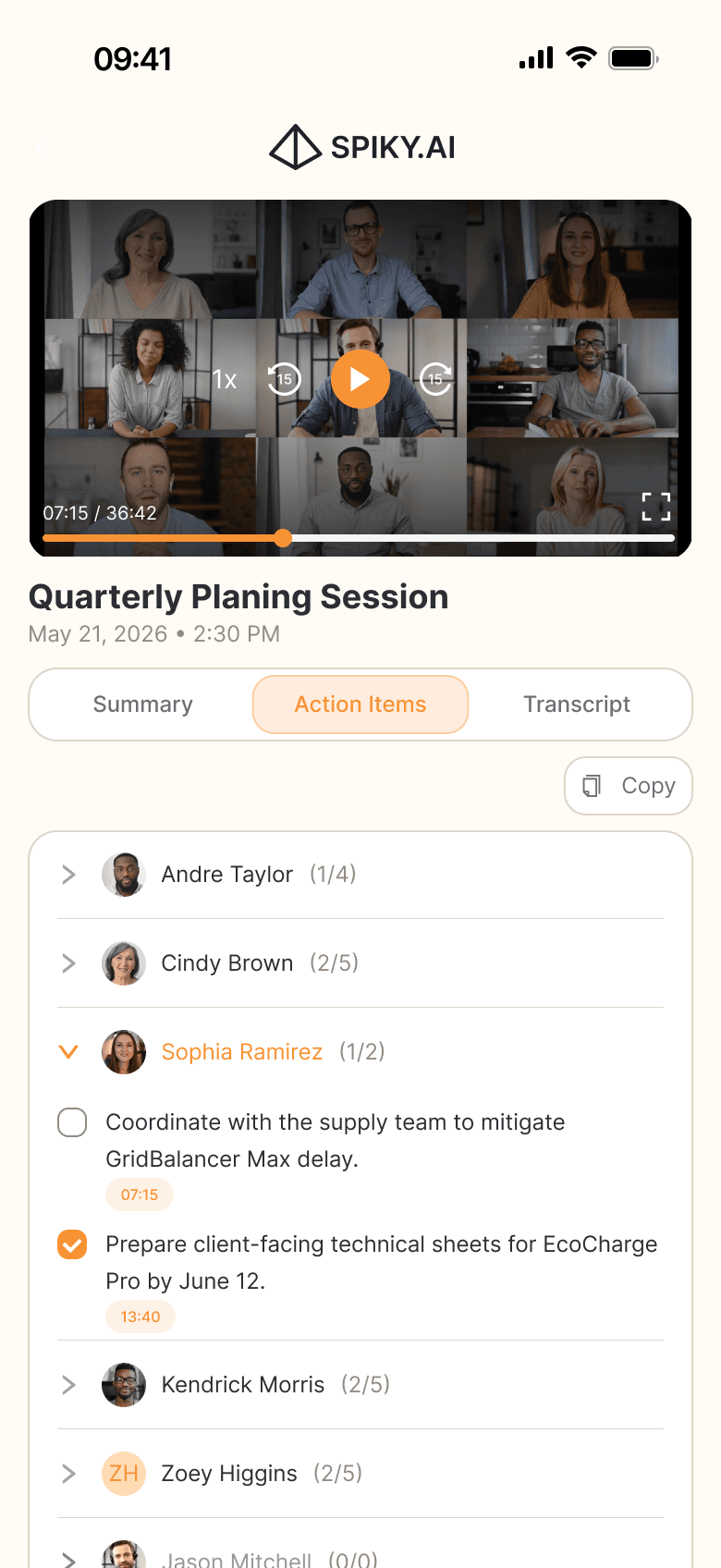
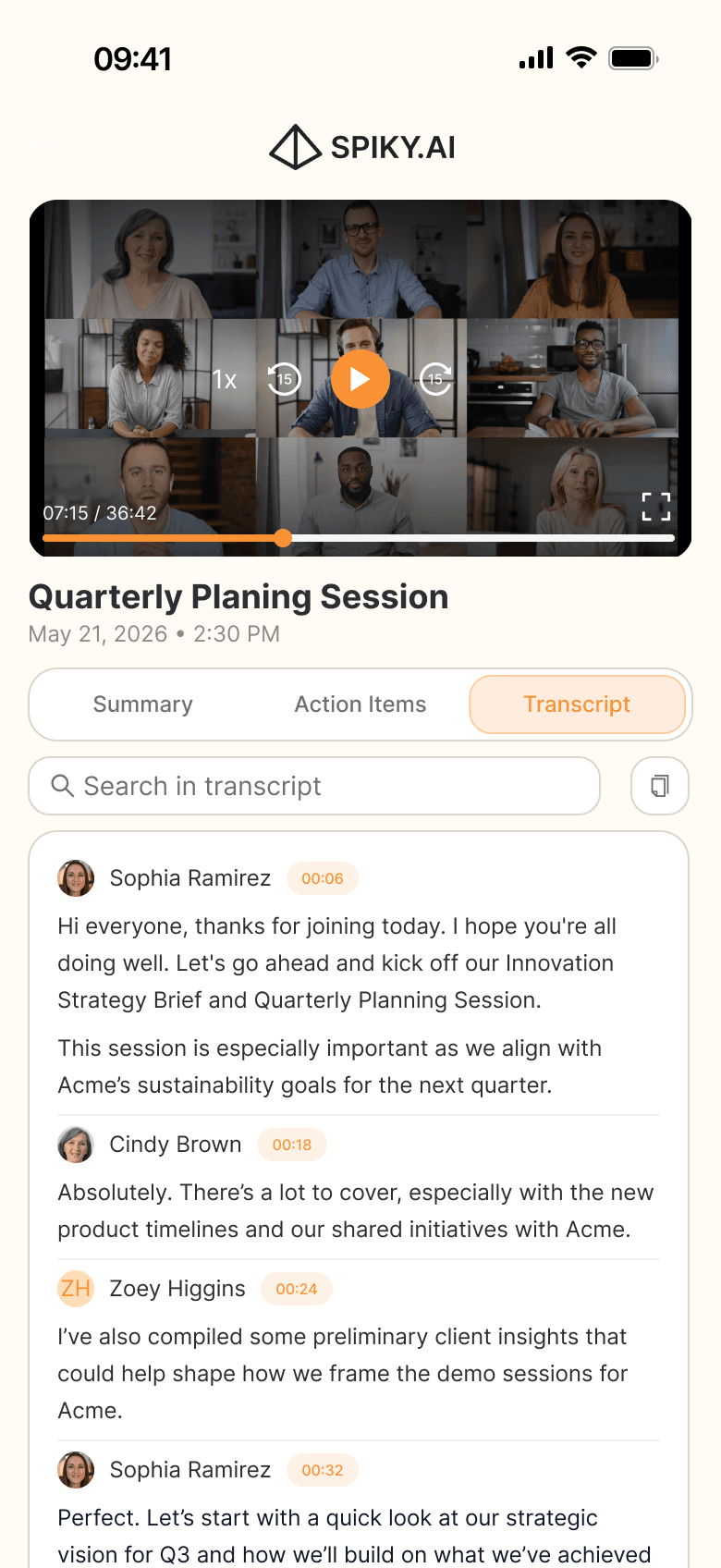
Every meeting comes back in three passes. A summary you can read brief or detailed, action items grouped by the person who owns them, and a transcript you can search, each line stamped with the moment it was said, and the playback to prove it.
- Summary, brief for the hallway or detailed for the record
- Action items per person, with what is done and what is not
- Searchable transcript, timestamped and synced to playback
YOUR MEETINGS
Every meeting you have had, in your pocket.
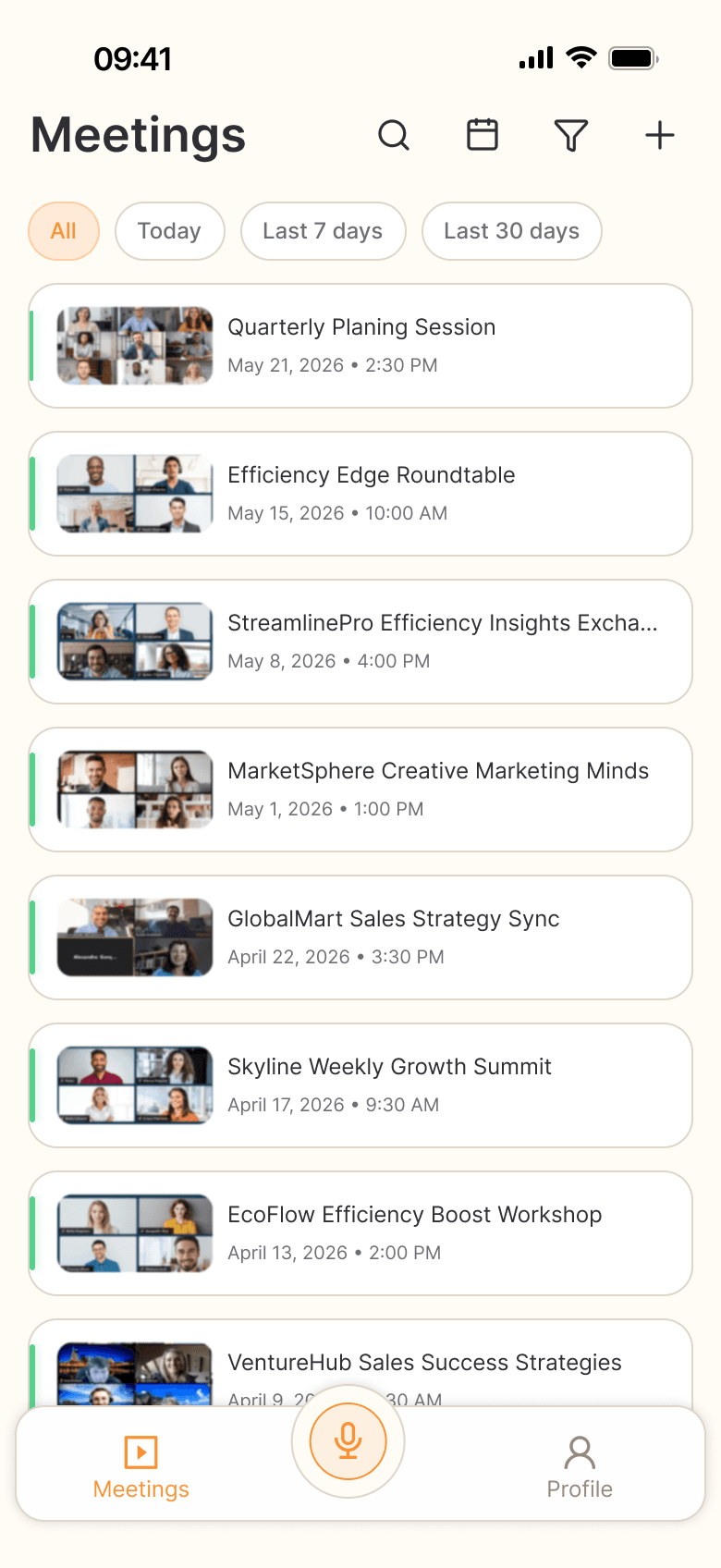
Online calls and in-person recordings sit in one list. Filter to today or the last thirty days, search by name, and open any of them where you are standing.
- Online and in-person in one list
- Today, last 7, last 30 days
- Search across meetings
IN SYNC WITH PULSE
Record on the phone. It is on your desk before you are.
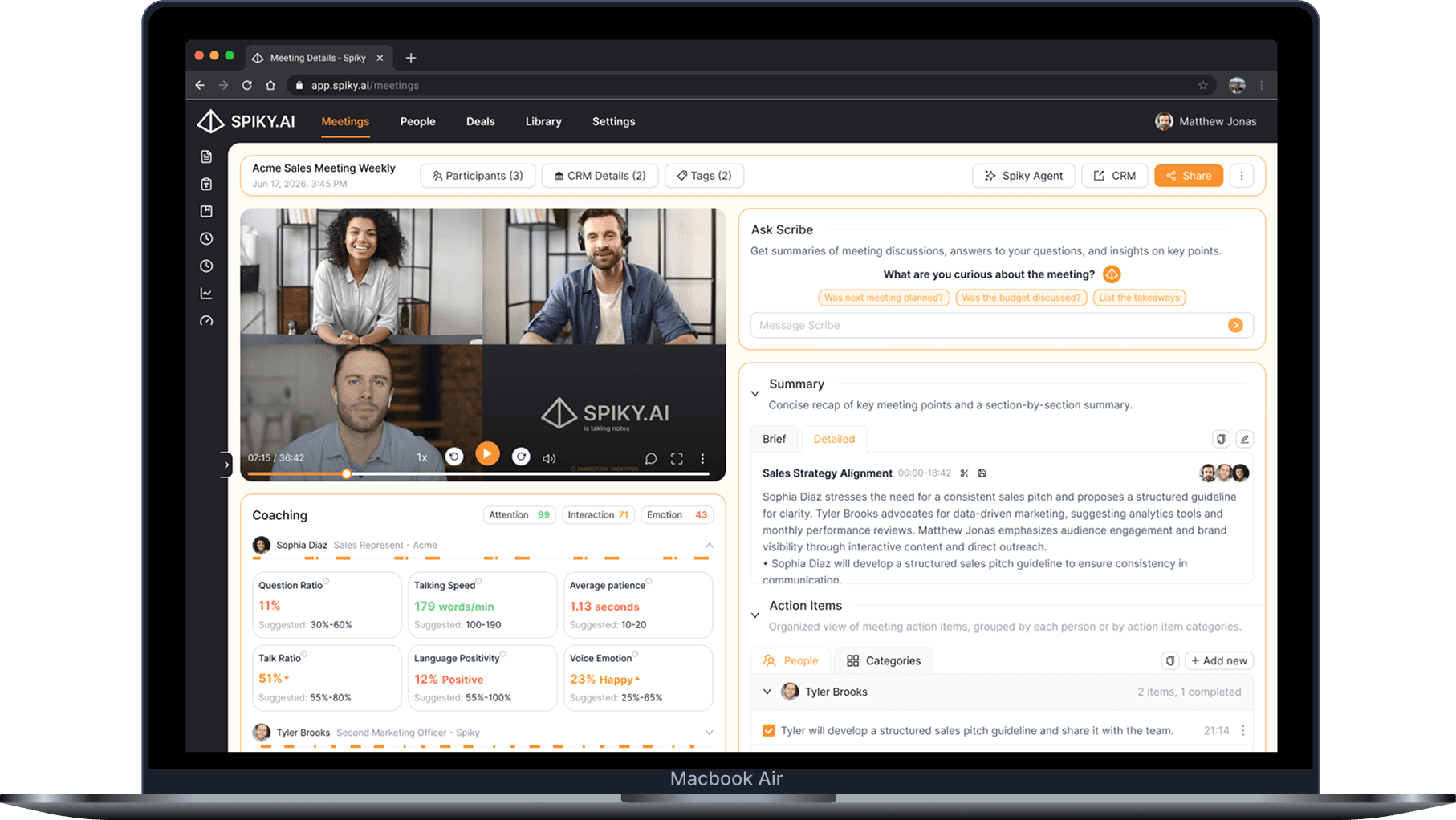
The mobile app uses the same account and meeting list as Spiky Pulse. Mobile and online meetings share summaries, action items and transcripts. Spiky Pulse also provides Ask Scribe and plan-dependent CRM workflows, while Spiky Signals adds pipeline and deal intelligence.
One account
Sign in once. Your workspace, your team, your meetings.
One list
Recordings from the phone sit next to the calls Spiky Scribe joined.
More on the desk
The phone gives you summaries, action items and transcripts. Spiky Pulse adds Ask Scribe and plan-dependent CRM workflows.
LIVE COACHING ON DESKTOP
Need help before the meeting ends?
Spiky Mobile records conversations away from your desk. Spiky Whisper runs on macOS and Windows across Zoom, Microsoft Teams, Google Meet, Slack and desktop phone calls, providing private, real-time battlecards, meeting-template guidance and Ask Scribe without adding a bot to the call.
PERMISSIONS AND DATA
Your recordings, and the controls that come with them.
Asked, not assumed
The microphone is requested when you first record; photo access only if you upload an existing file.
Recorded on purpose
Nothing records by itself. A recording starts when you start it, and you can discard it before it is ever uploaded.
Leaves your side once
Uploads go straight to Spiky's storage over an encrypted connection, and you can discard a recording before upload.
Your account, your exit
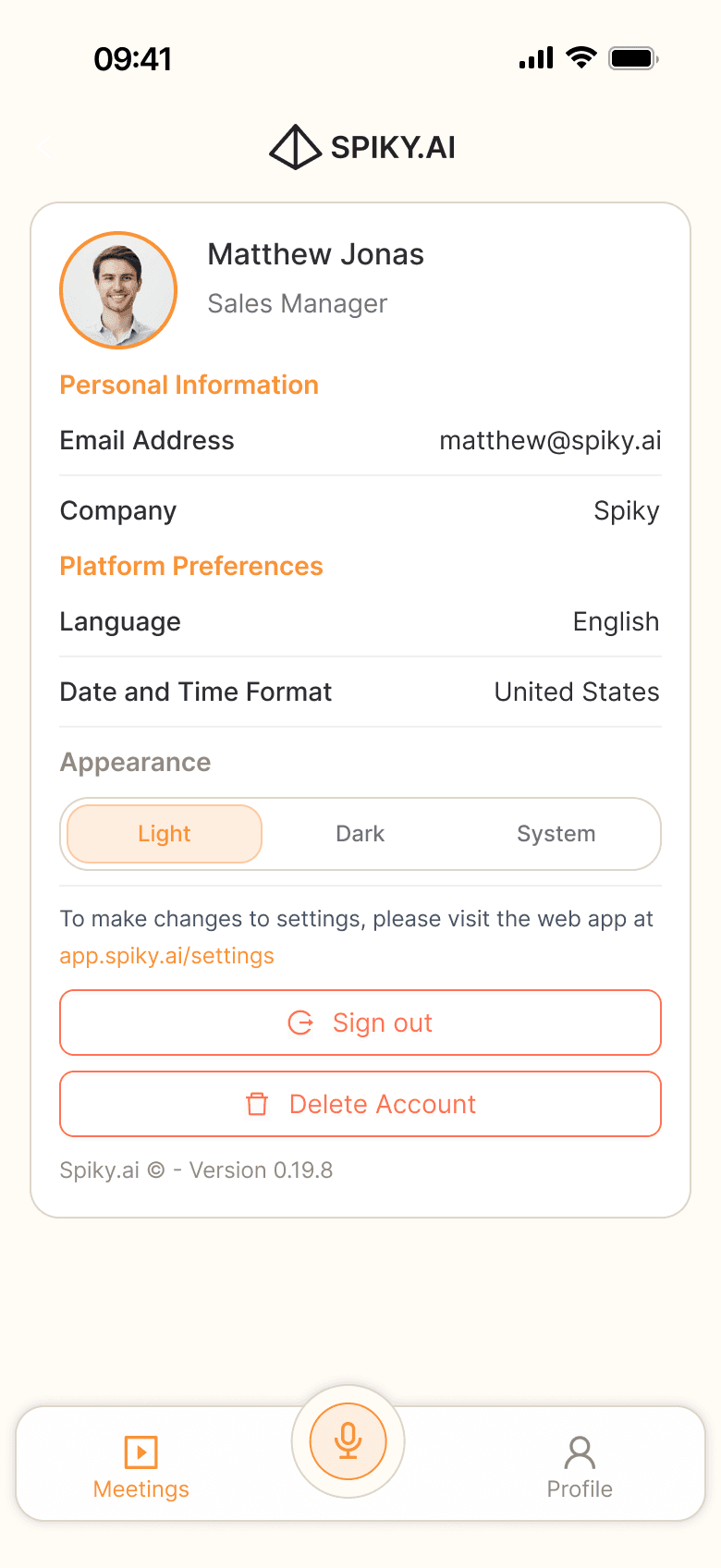
You can sign out or request account deletion from the app.
QUESTIONS
Before you download.
Yes. Sign in with the same Spiky account your organization uses on the web, and your existing meetings will appear in the app.
GET THE APP
The next meeting is not on a screen.
Included with your Spiky account. Analysis limits depend on your plan.